What is HTML?
HTML stands for Hyper Text Markup Language
HTML describes the structure of a Web page
HTML elements tell the browser how to display the content
HTML elements label pieces of content such as "this is a heading", "this is a paragraph", "this is a link", etc.
For example:
The basic block of HTML is as follows
<!DOCTYPE html>
<html>
<head>
<title>This is the Title</title>
</head>
<body>

<h1>My Heading</h1>
<p>My first paragraph.</p>

</body>
</html>
Example Explained
The
<!DOCTYPE html>declaration defines that this document is an HTML5 documentThe
<html>element is the root element of an HTML pageThe
<head>element contains meta information about the HTML pageThe
<title>element specifies a title for the HTML page (which is shown in the browser's title bar or in the page's tab)The
<body>element defines the document's body, and is a container for all the visible contents, such as headings, paragraphs, images, hyperlinks, tables, lists, etc.The
<h1>element defines a large headingThe
<p>element defines a paragraph
HTML Documents
All HTML documents must start with a document type declaration: <!DOCTYPE html>.
The HTML document itself begins with <html> and ends with </html>.
The visible part of the HTML document is between <body> and </body>.
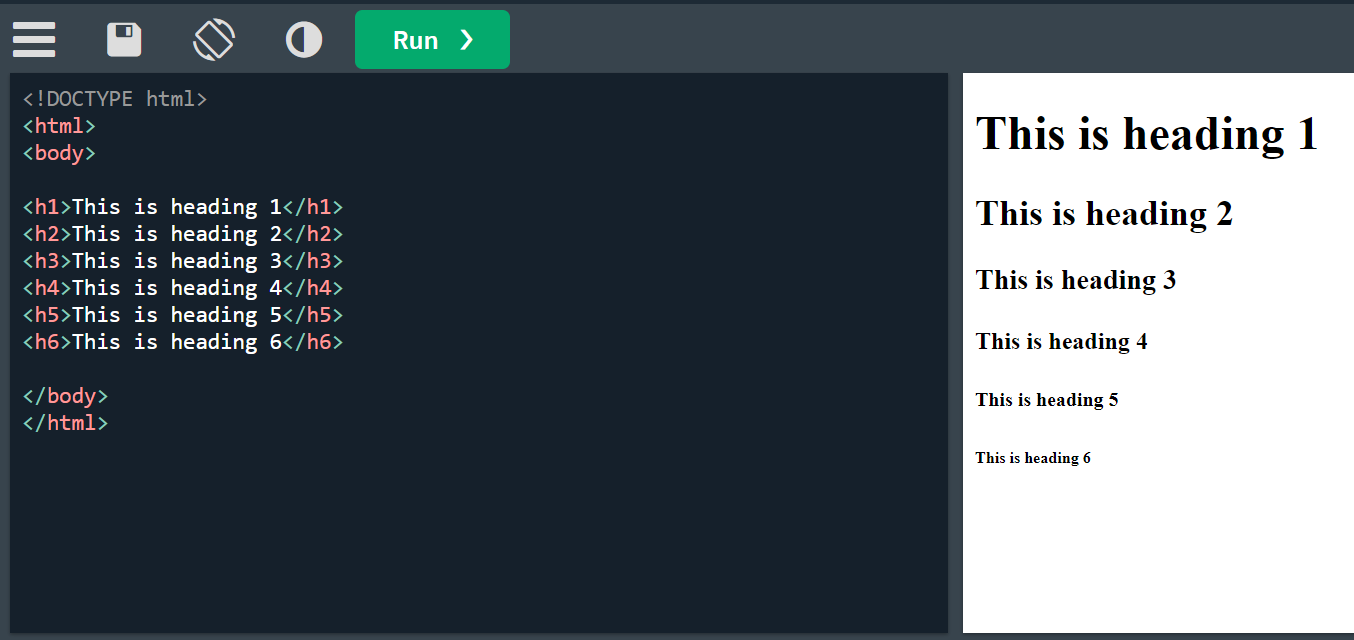
HTML Headings
HTML headings are defined with the <h1> to <h6> tags.
<h1> defines the most important heading. <h6> defines the least important heading
HTML Paragraphs
HTML paragraphs are defined with the <p> tag.
<p>This is a paragraph.</p>
HTML Links
HTML links are defined with the <a> tag.
<a href="www.google.com">This is a link</a>
HTML Images
HTML images are defined with the <img> tag.
The source file (src), alternative text (alt), width, and height are provided as attributes.
<img src="image.jpg" alt="image" width="100" height="200">
HTML Formatting Elements
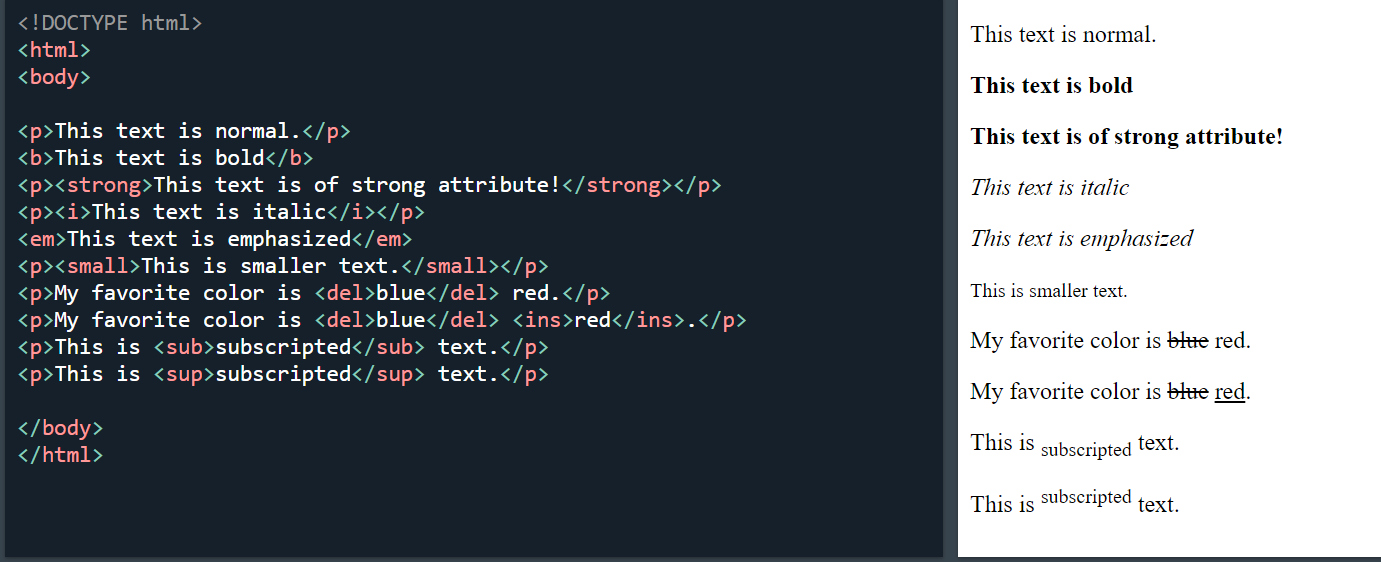
Formatting elements were designed to display special types of text:
<b>- Bold text<strong>- Important text<i>- Italic text<em>- Emphasized text<code>- Code<small>- Smaller text<del>- Deleted text<ins>- Inserted text<sub>- Subscript text<sup>- Superscript text